Block distracting apps on your iPhone and iPad.
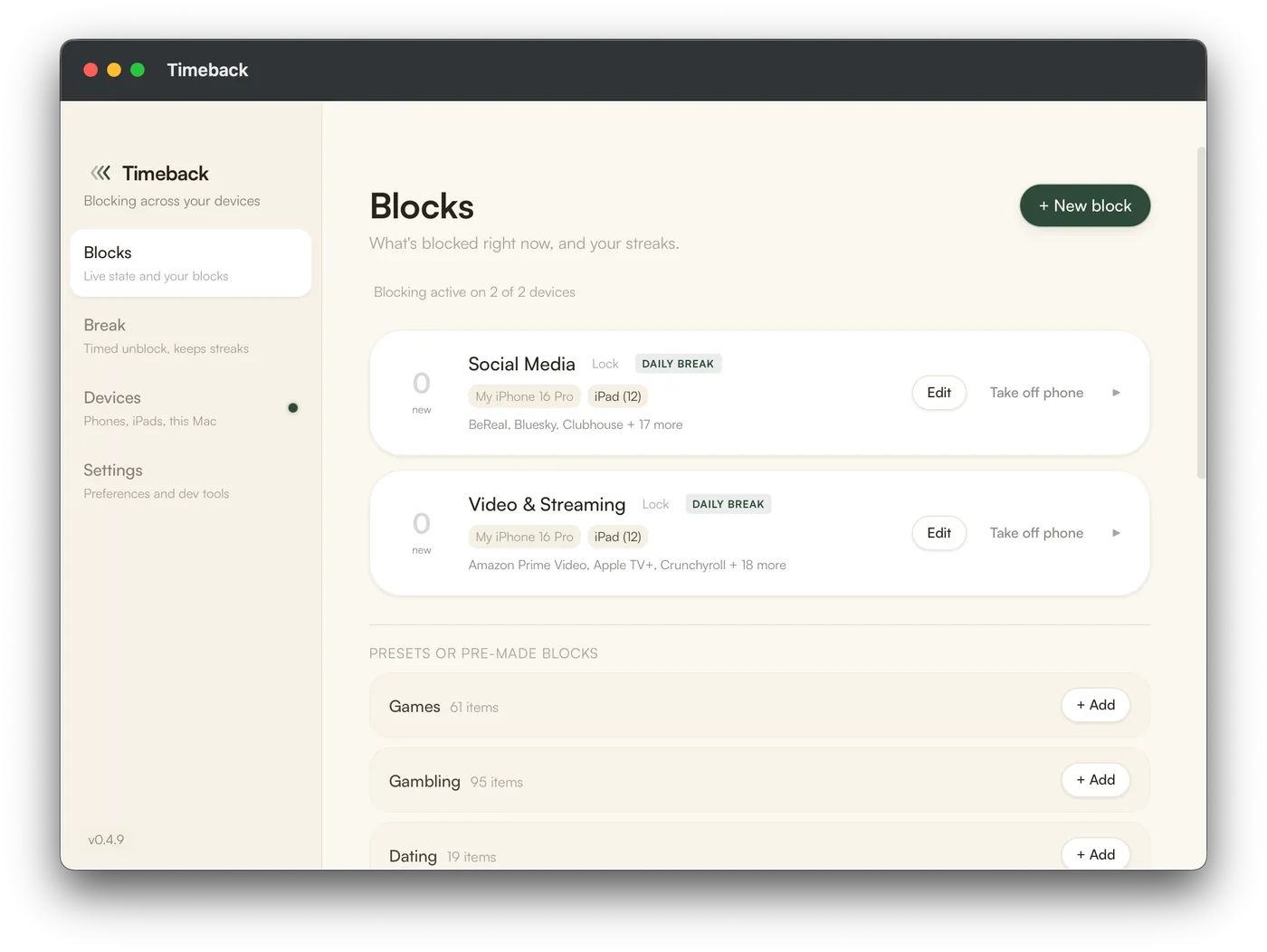
Timeback is a Mac app. Plug your phone in, create your blocks, apply them, then unplug. The blocks stay on, and they can't be switched off from the phone.
Requires a Mac, an iPhone or iPad, and a cable. Android blocking and Windows support are coming soon.
Set up later on your Mac
Email yourself the setup link.
Timeback vs a Screen Time app
The four things that decide it.
| What you're checking | Timeback | A Screen Time app Opal, Brick, BePresent |
|---|---|---|
| Can be switched off from the phone | No no off switch on the phone | Yes delete the app, or turn its access off in Settings |
| Blocked apps stay on your home screen | No they come off the home screen | Yes a shield you tap through, every time |
| A strict mode you can undo in the moment | No the lock you set is the only way out | Yes strict modes slow the exits down, they don't close them |
| Subscription only | No pay once, or subscribe if you'd rather | Mostly a few are free |
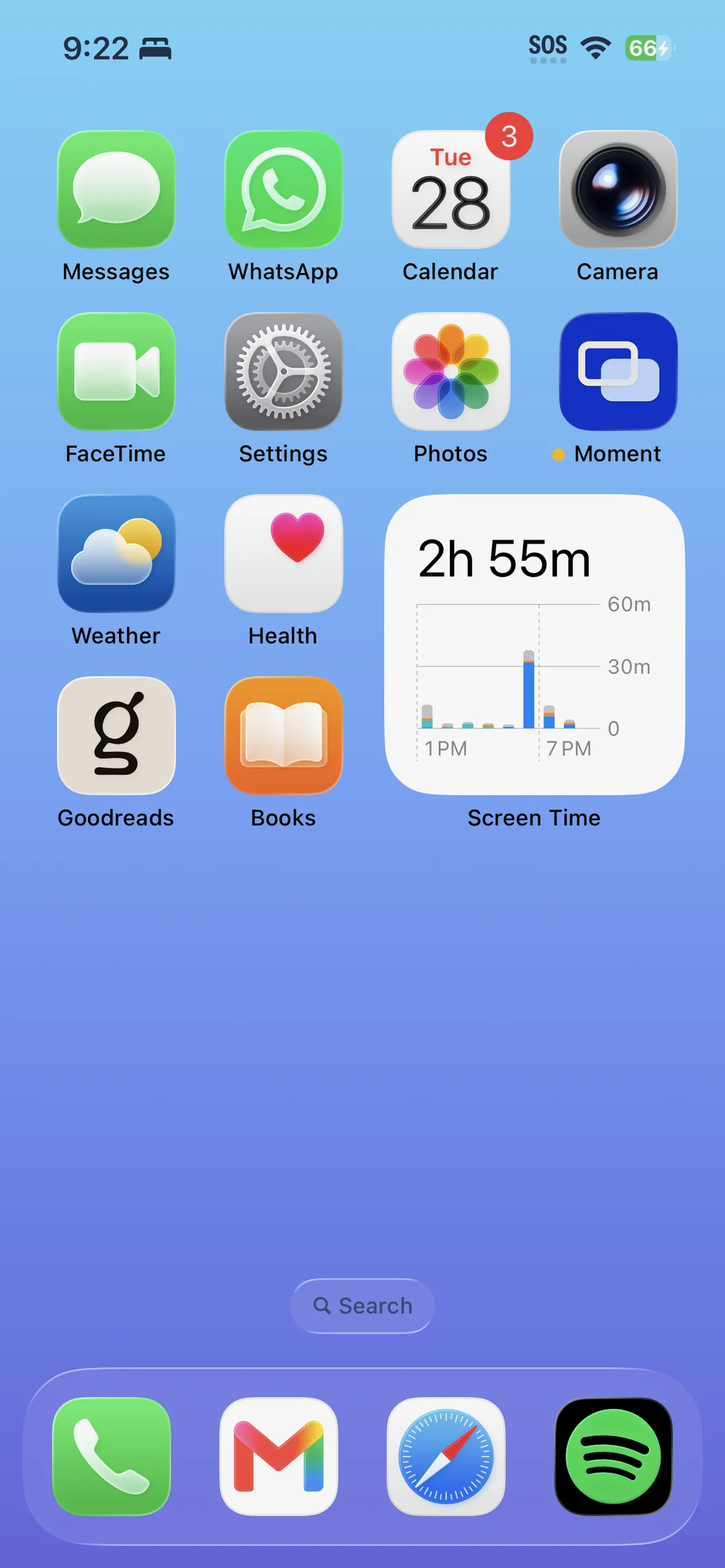
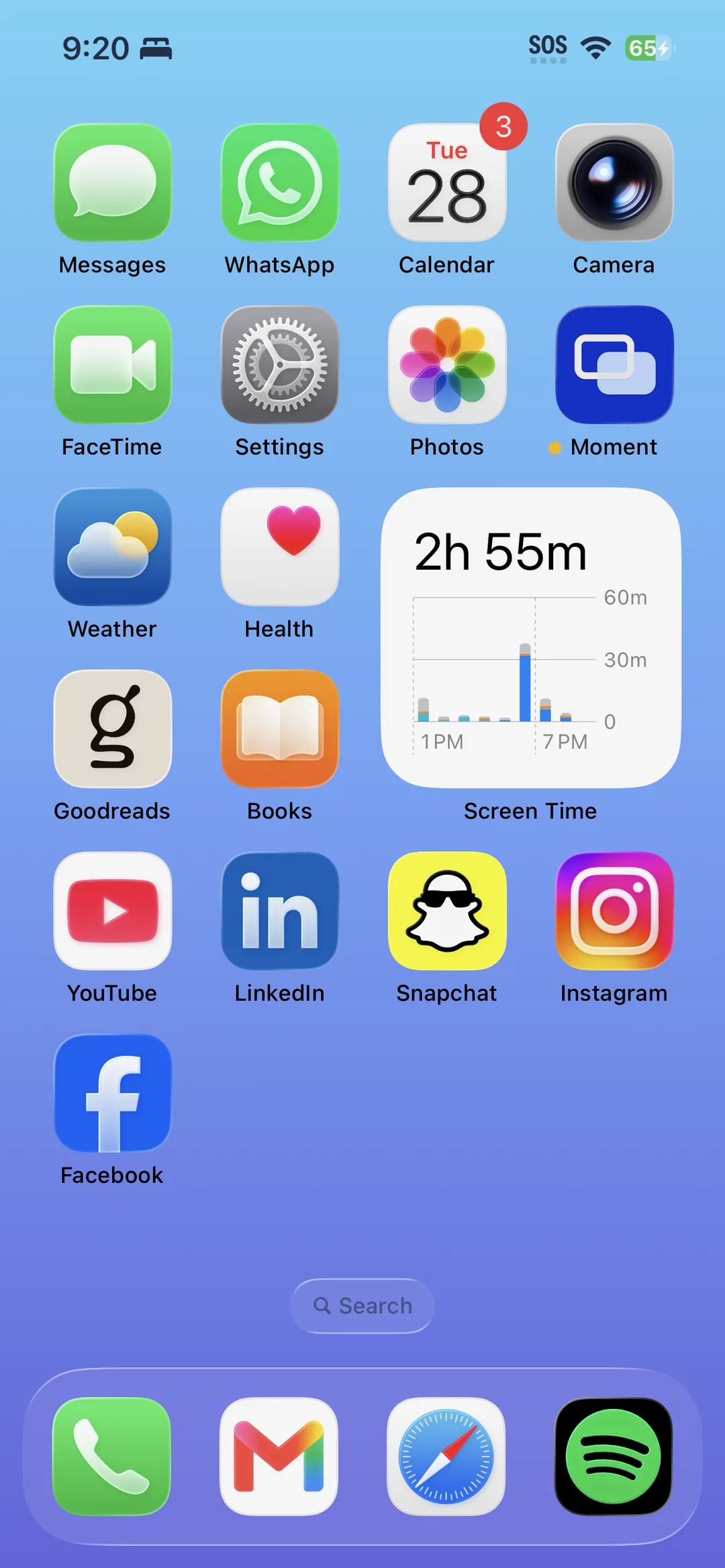
Choose your distractions and watch them disappear.
Your phone can't turn it off.
Most blockers run as an app on the phone they are blocking. Thus, Apple requires them to be removable.
Timeback uses Apple's device-management mode to install blocks that cannot be switched off from the iPhone. Apple calls this supervision. You set up and change the blocks from your Mac.

From the founder
I built Timeback because I was sick of other screen time apps over-promising and under-delivering. Knowing that it's impossible to bypass from my phone helps me stay focused when I might otherwise be distracted.
I want Timeback to be the best way to manage your screen time. Currently that means on your iPhone, where I am most distracted, but eventually I want to integrate computer blocking as well, so every device is managed from one app.
Tristan Saucedo, Timeback